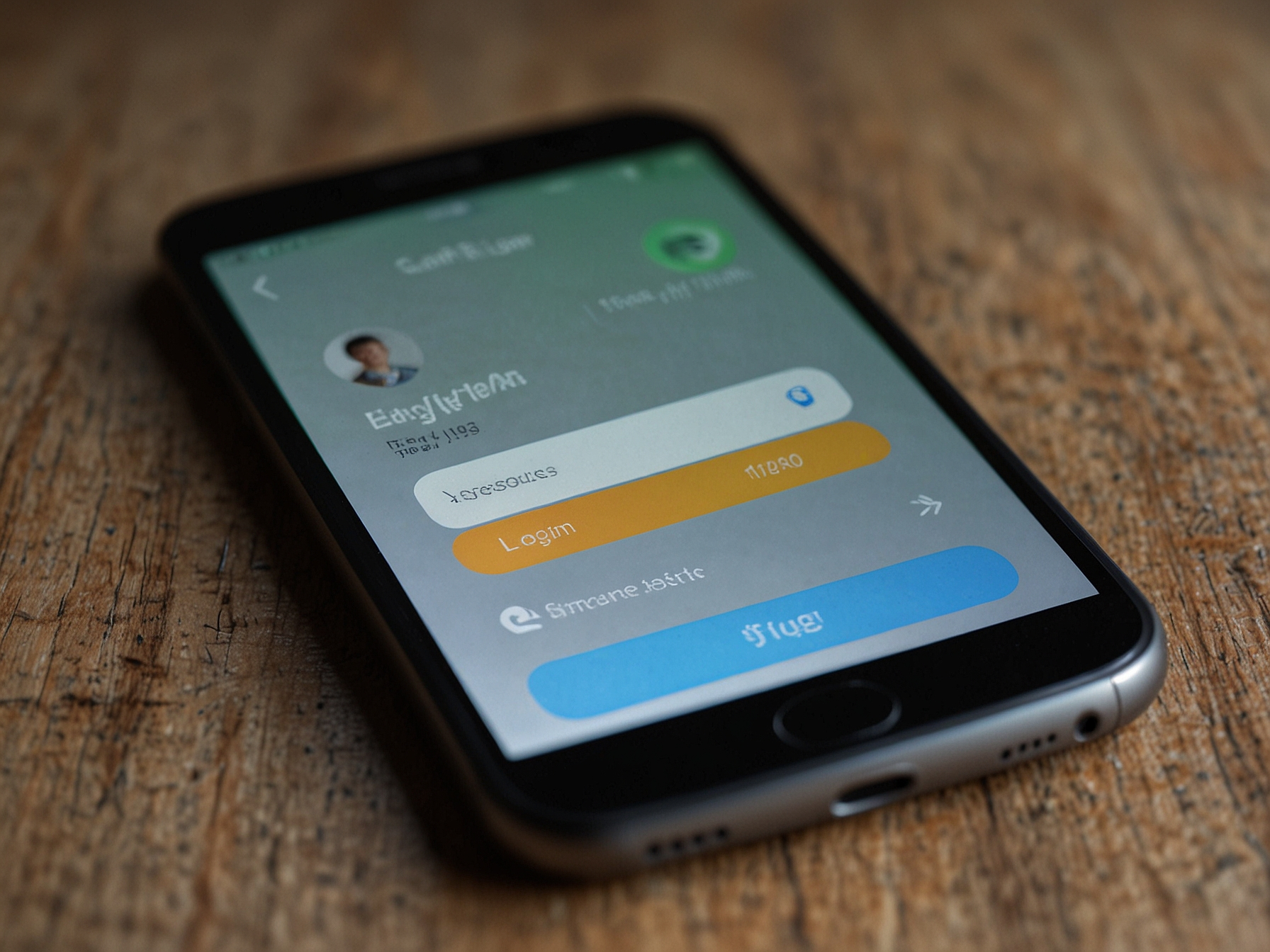
The login form requires your registered email and your password. We encourage using a strong, unique password and enabling any available additional security options on your account. For convenience, users can choose to remain signed in on trusted devices while keeping security protections active.
If you experience issues signing in, the 'Forgot password?' link initiates a recovery process by sending a secure reset link to your registered email. We recommend checking spam folders if you do not receive the message promptly and contacting support if you still need assistance.
We apply industry-standard encryption to protect login credentials and session data. To help keep your account secure, avoid using the same password across multiple sites, and enable two-factor authentication if offered. Regularly reviewing your account activity helps detect unauthorized access early.
For lost or compromised credentials we provide verification steps that may include identity checks. These measures exist to protect both the account holder and the integrity of the platform. Our support team is ready to guide you through any recovery steps while respecting privacy and security.
Our session management ensures that your active sessions remain secure and that devices can be managed from your account page. You can sign out remotely from devices you no longer use. We also automatically expire inactive sessions to reduce the chance of unauthorized access.
When using public or shared devices, always sign out after each session and avoid saving credentials in the browser. Treat account recovery communications like sensitive information and verify messages originate from official channels before taking action.
Access exclusive account features and claim targeted promotions after logging in. Keep your profile verified for the fastest payouts.
If you need help accessing your account, our support team is available to assist through verified channels. We handle recovery requests promptly while performing necessary checks to protect your account. We will never ask for your password through unsolicited messages; always use the official site to start a recovery process.
When contacting support about account issues, provide relevant details such as the email used to register and the nature of the problem. Our agents will provide clear instructions on next steps and estimated timeframes for resolution. We aim to resolve most access issues quickly while maintaining strict security safeguards.
Common login questions are addressed to make access straightforward. If you forgot your password, use the reset link and follow the secure email verification steps. For persistent issues, contact support and we will assist with account recovery after verifying ownership.
We also provide tips for keeping accounts secure, such as enabling additional protections if available and monitoring recent activity within your profile. These proactive steps reduce the likelihood of unauthorized access and protect your balance.
You need the email address you used to register and your password. If you enabled additional security measures, you may be prompted for those as well. Use the 'Forgot password?' link if you cannot remember your password.
Check your spam or promotions folder and ensure your email address is entered correctly in the recovery form. If you still do not receive a message, contact support for further verification and help.
You can choose to remain signed in on trusted personal devices. Avoid this option on public or shared devices for security reasons.